

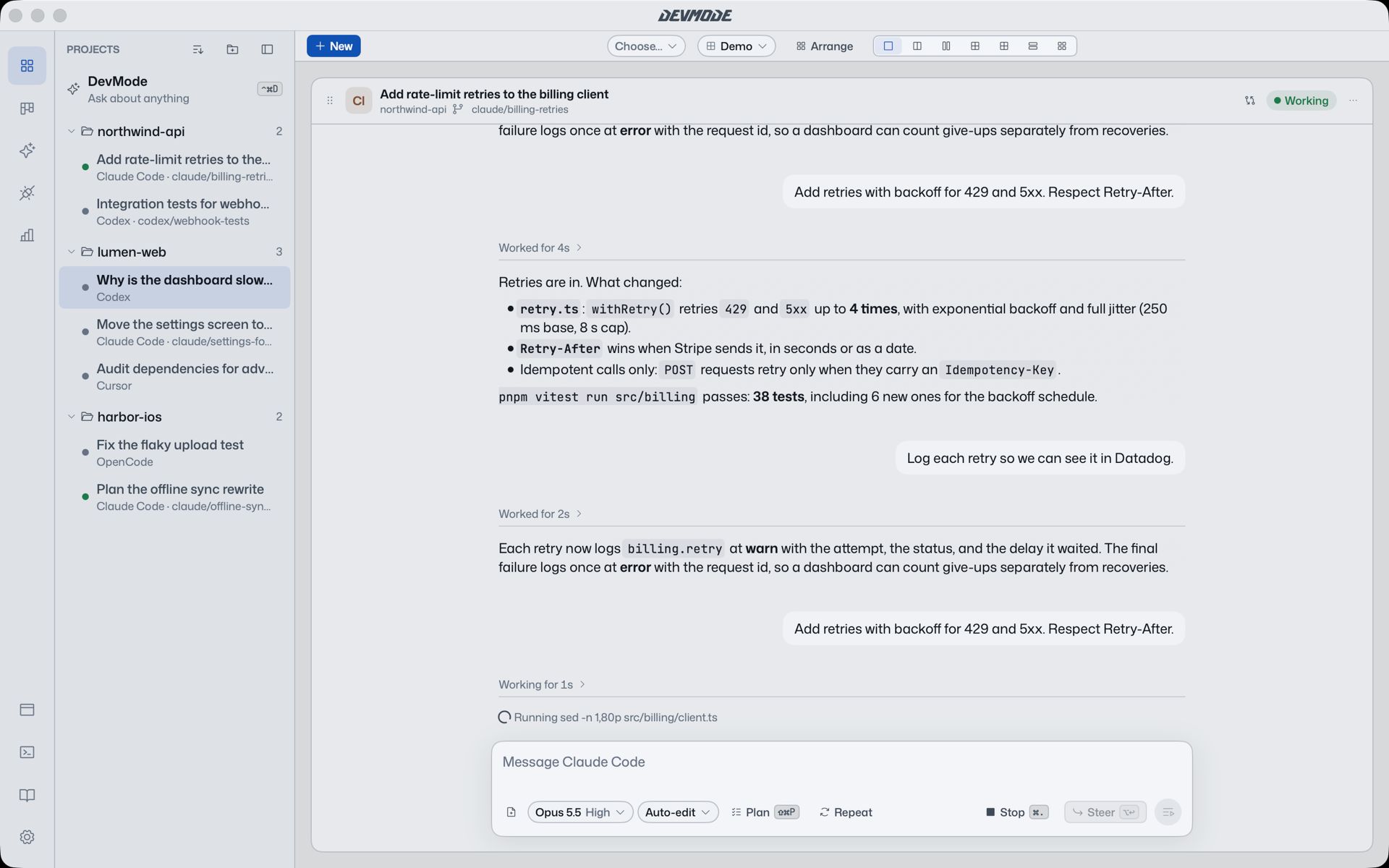
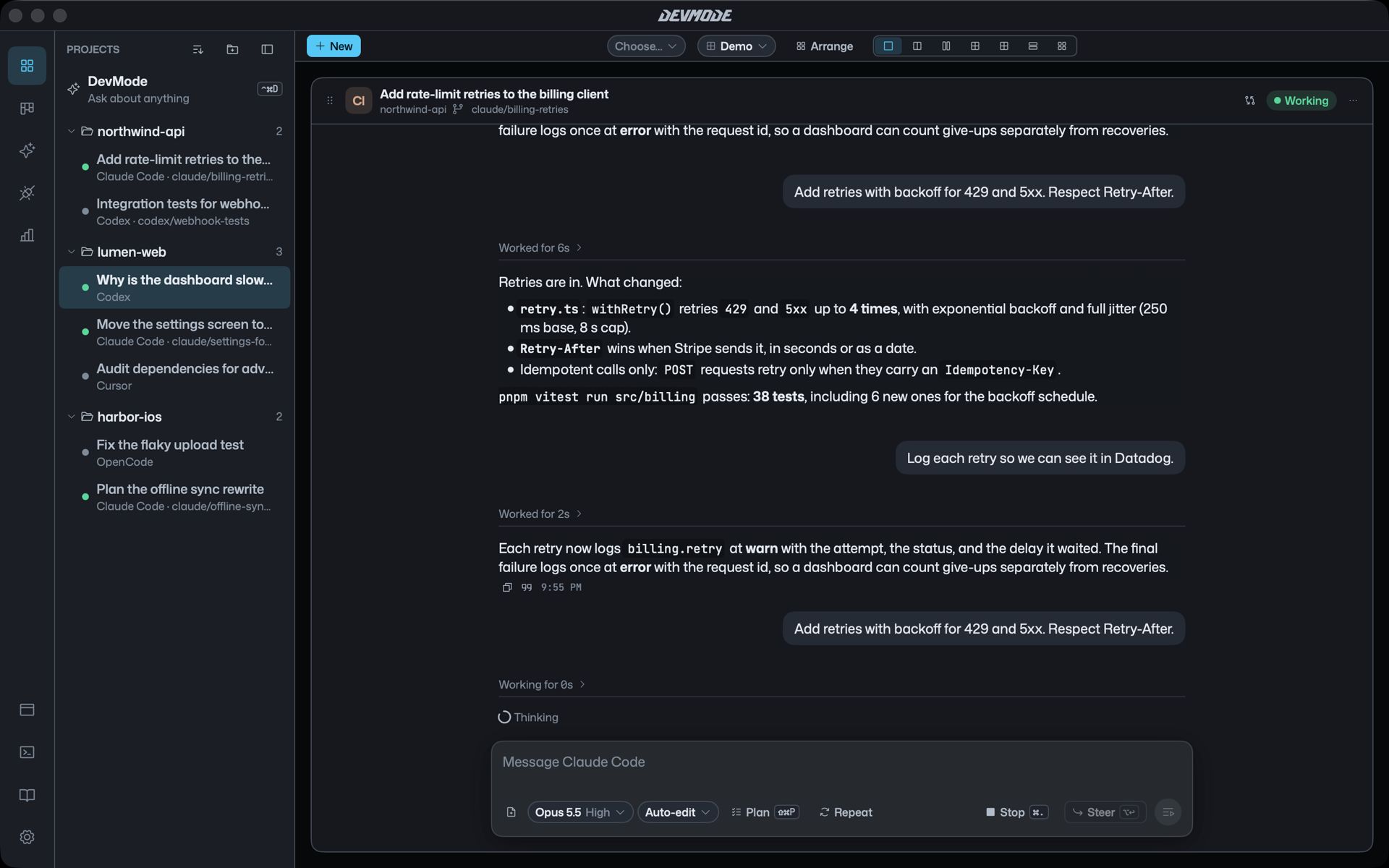
A terminal is a fine place to run an agent and a hard place to read one. DevMode keeps the agent exactly as it is and gives it a better window.
Replies you can read
Replies read in one column, with proper headings, lists, tables and code. Everything the agent does along the way, its thinking and its tool calls, folds into one line such as “Working for 38s” that says what it is doing right now. Open it when you want the detail.
Talk to it while it works
- Return sends. If the agent is busy, your message waits its turn.
- ⌥Return steers the turn that is running, without stopping it.
- ⌘. stops the turn.
- Plan mode (⇧⌘P) has the agent plan first and change nothing until you say so.
Requests as cards
When an agent wants to run a command, edit files or use a tool, a card appears in the chat. Answer it there with one click or ⌘Y. Questions the agent asks you show up the same way.
A second opinion
Ask another agent to review the chat. Claude Code can check Codex’s work, or the other way round, without you copying anything across.
Everything nearby
A drawer slides in from the right with a browser for local previews, a terminal in the agent’s folder, and a reader for the project’s docs and the reports agents write. ⌘K opens a command palette for everything else.