

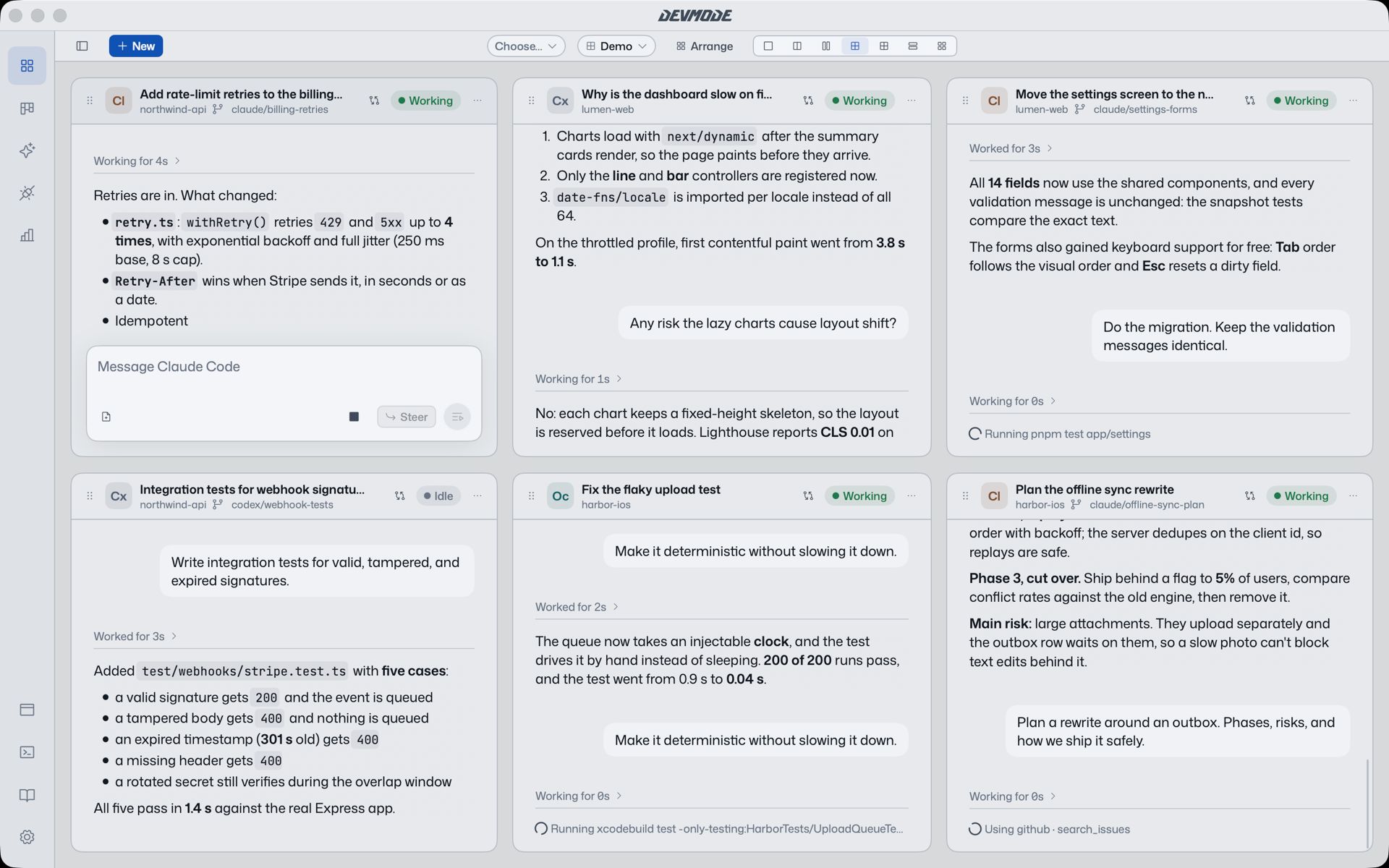
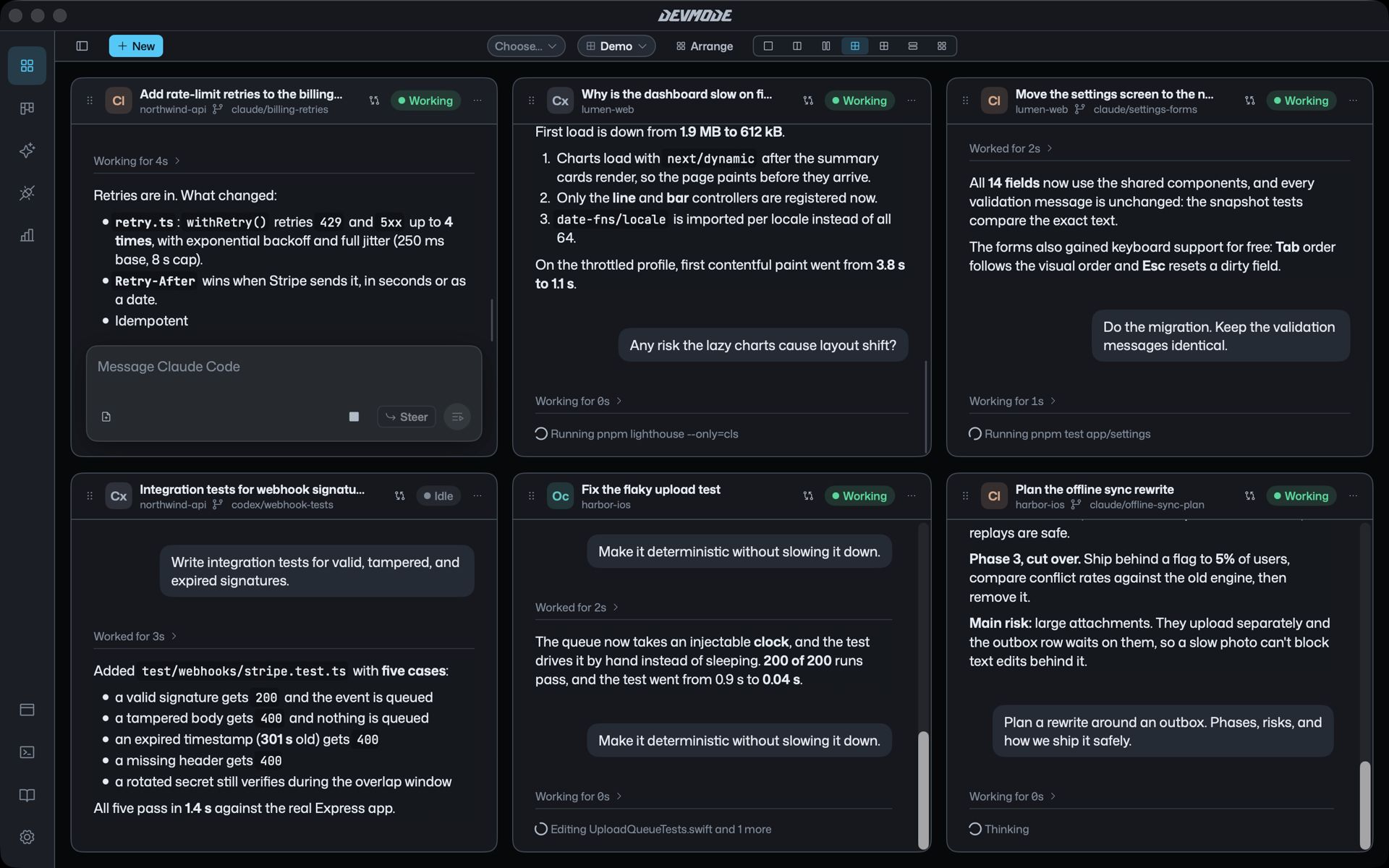
Most coding agents live in a terminal tab each. Run three of them and you are flipping between windows to find out which one is waiting for you. DevMode gives them all one home.
One tile per agent
Every agent is a tile on the Stage, and every tile has the same chat whichever tool is behind it. Start one with ⌘N: pick the project, the agent (Claude Code, Codex, OpenCode or Cursor), the model, how much it may do on its own, and the first message. You can also start it in a fresh worktree so it works on its own branch.
Layouts that fit the work
- Focus for one agent, Split and Columns for two or three.
- Grid 2×2 and Grid 3×2 when four to six are busy.
- Hero keeps one large with the rest beside it, and Auto picks for you.
Switch with ⌃⌘1 to ⌃⌘7. Save your own views, or use the built-in ones: all agents, the ones that need you, the ones working, or one project.
Find the one that needs you
- ⌘J jumps to the agent that is waiting on you.
- ⌘1 to ⌘9 fly to an agent in the current view, and ⌘↩ fills the screen with it.
- Overview (⌘Esc) shows every agent at once; Return flies into one.
The projects sidebar lists every project and its chats, so an agent you started yesterday is one click away.