

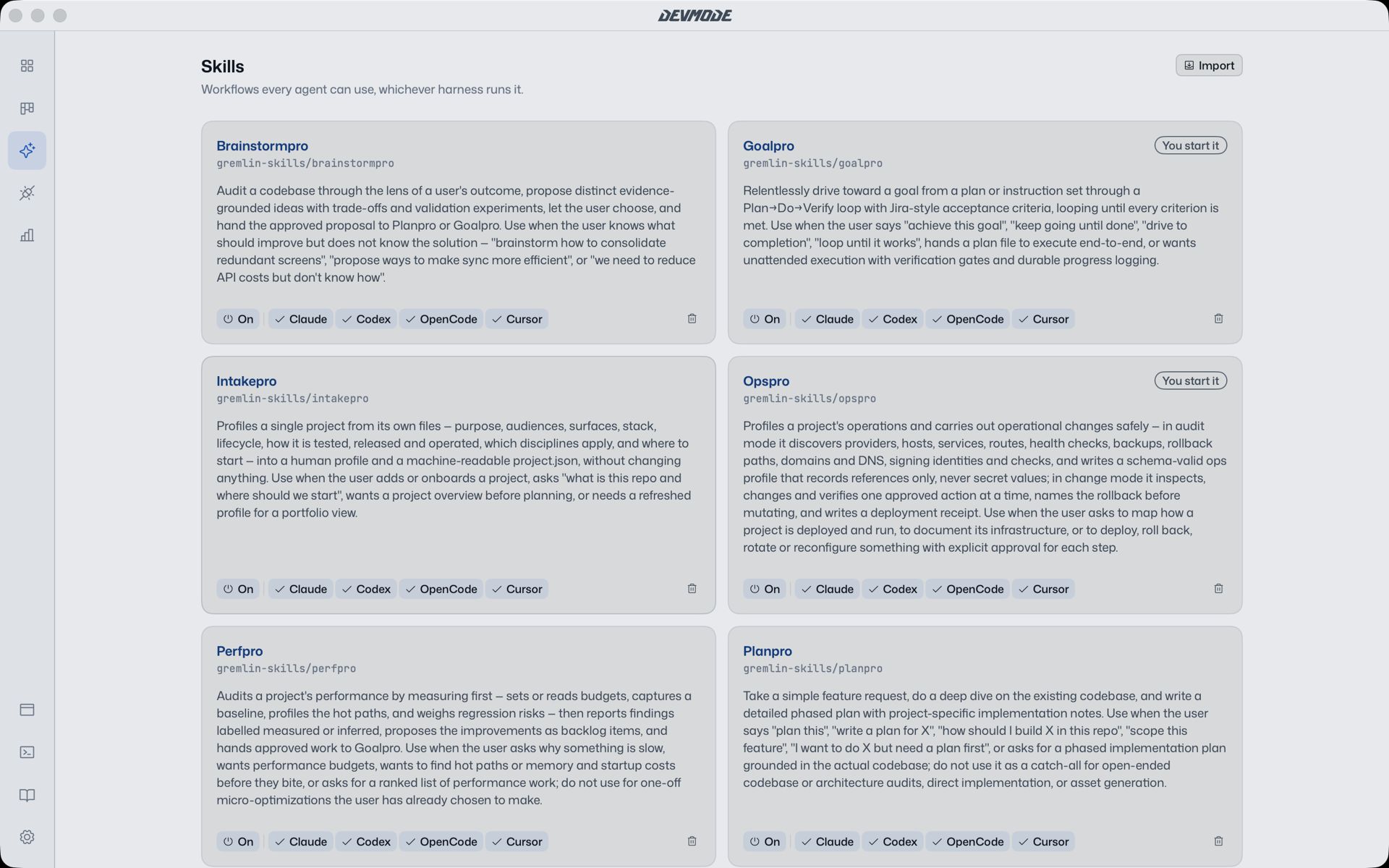
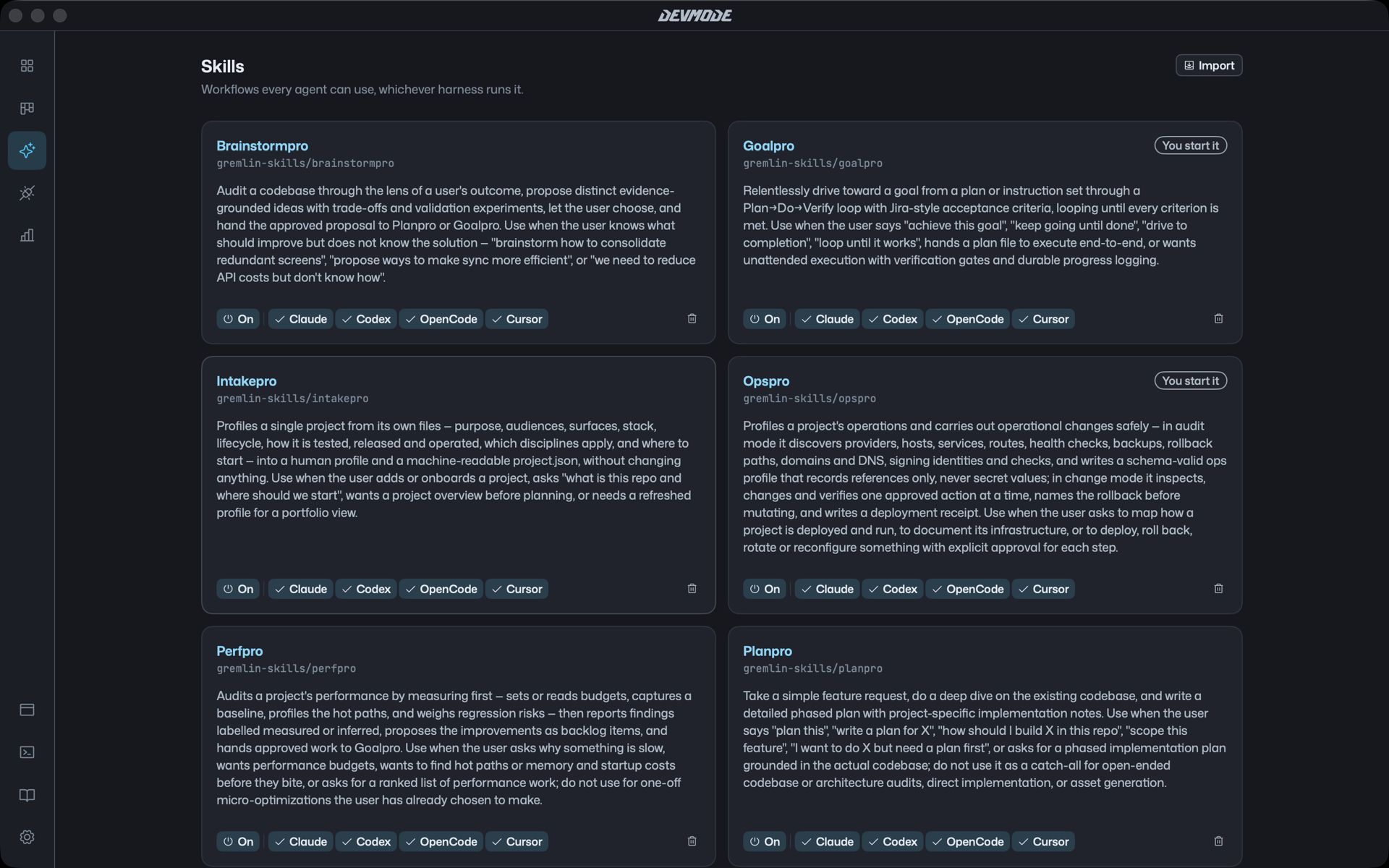
A good workflow is worth reusing. Skills package one up so any agent can follow it: brainstorm before deciding, plan before building, check the work against the goal.
Built in
DevMode comes with skills for the steps most work goes through:
- Brainstorm ideas with evidence and trade-offs before choosing.
- Plan a feature in phases that each leave the code working.
- Build to a goal, checking every step against what done looks like.
- Restructure messy code, take in new work, triage a backlog and look back over what happened.
They show up as moves on the Work page, so “Plan it” runs the planning skill in whichever agent you choose.
One pool for every agent
The Skills page holds the skills every agent can use. Add one and Claude Code, Codex, OpenCode and Cursor all get it.
Safe by design
Skills that change files ask you to confirm first, and build skills need a plan you have approved, so a skill never runs off with your code.
More skills at setup
The first time DevMode opens, it can install gremlinlabs’ full skill set into every agent’s skill folder in the background. It needs Node.js, and DevMode’s built-in skills work either way.