

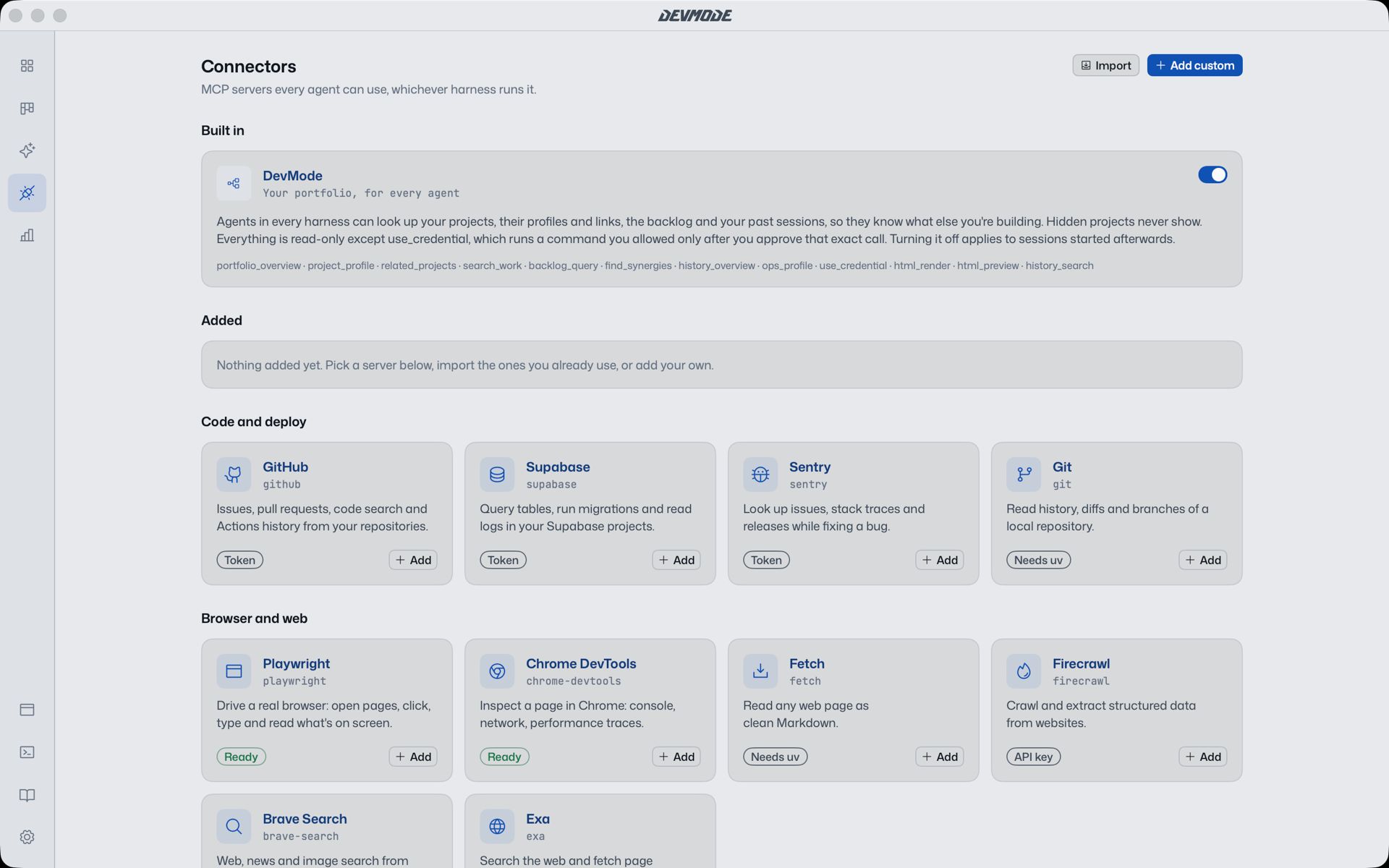
MCP servers give agents new abilities: a database, an issue tracker, a browser. Each coding tool keeps its own list in its own format, so adding one server to four tools means four config files. DevMode needs one.
One list for every agent
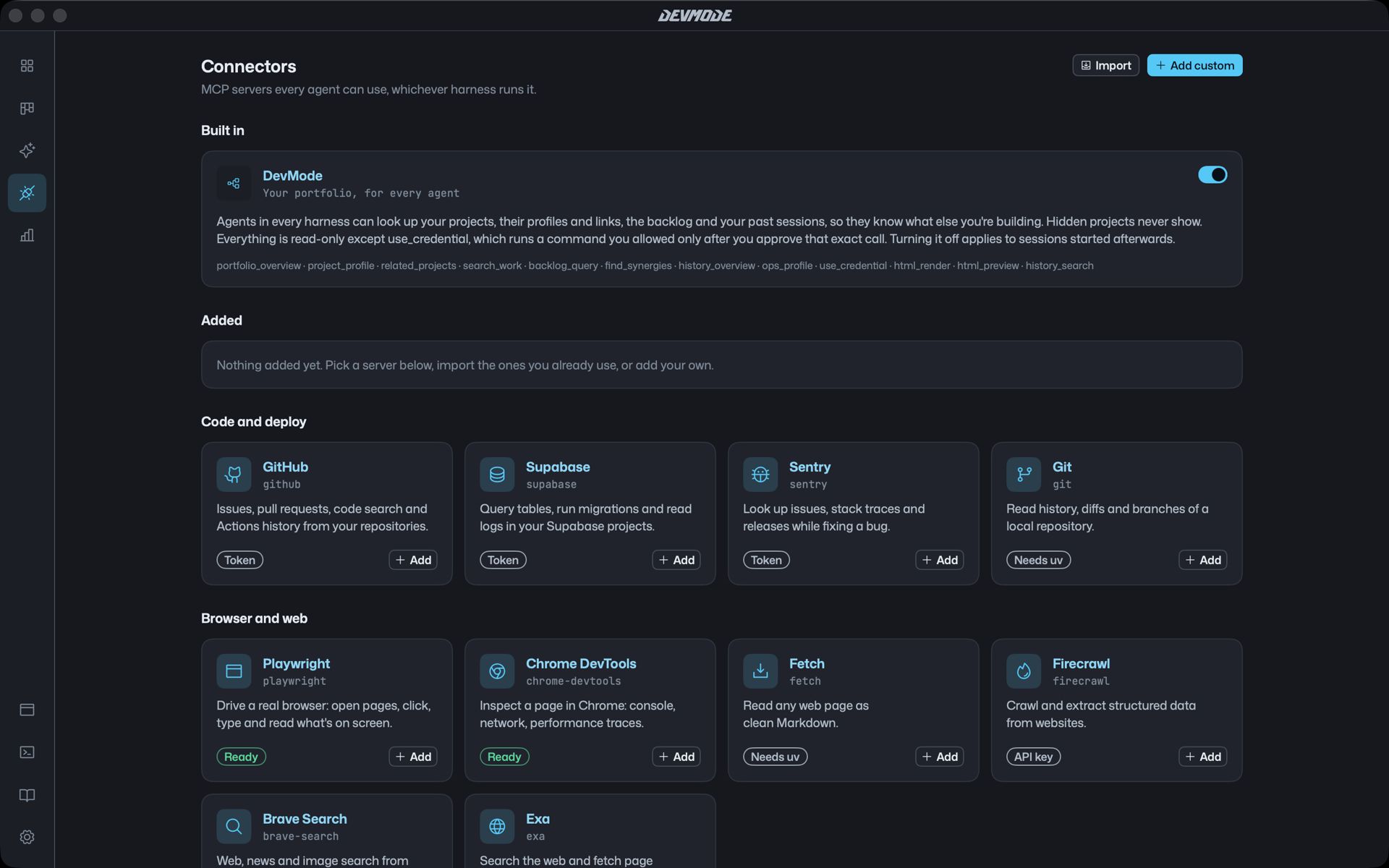
The Connectors page holds your MCP servers. Every agent session in DevMode gets them, whichever tool it runs in, and their config files stay as they were.
A catalog to start from
A catalog lists common servers you can add straight away, so you don’t have to hunt for install commands.
DevMode’s own tools
Every agent also gets a few tools from DevMode itself:
- Look up your projects, read-only, so an agent can see what else is going on.
- Use a project’s credentials, with your approval each time.
- Draw visuals in the chat.
- Hand off work to another agent.